
CANopen Magic Professional
Advanced CANopen Configuration and Analysis
Take your CANopen projects to the next level with CANopen Magic Professional—a robust and intuitive tool specifically designed for advanced configuration and detailed network analysis. Equipped with high-resolution timestamps, comprehensive Electronic Datasheet (EDS) support, and user-friendly PDO configuration, CANopen Magic Professional streamlines your workflow and provides precise insights.
Easily monitor, configure, and analyze your CANopen networks, observing detailed message transmission timings and verifying adherence to network specifications. Quickly configure nodes and effortlessly generate test messages, significantly reducing the complexity and time required for debugging and validation.
CANopen Magic Professional builds on the Standard edition with substantial enhancements, offering powerful additional features ideal for developers who require precision and reliability in CANopen network development.
Users looking for features like CANopen node simulation and Python programming should check out our Ultimate edition.
Features
The following is a list of features in CANopen Magic Professional. The list is not exhaustive by any means, but does give a good overview of the abilities of CANopen Magic Professional.
-
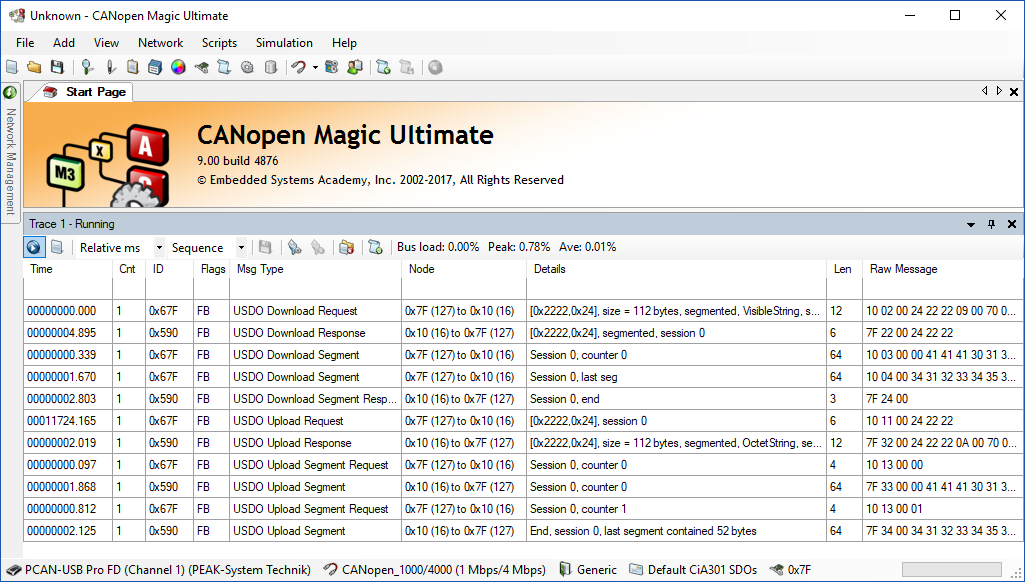
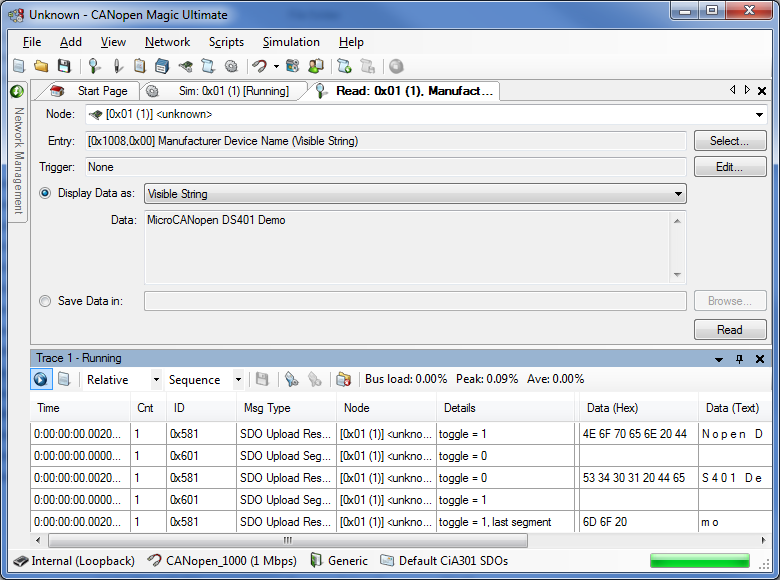
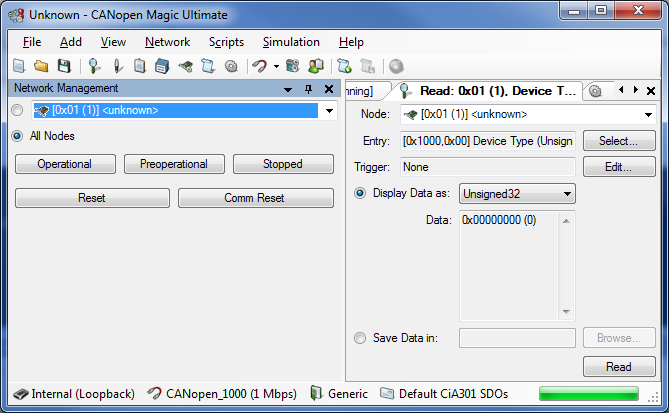
SDO Upload (read from a node)
-
Display of read data in ASCII
-
Display of read data in decimal Integer, Unsigned integer and Real
-
Display of read data in Hexadecimal
-
Display of read data in TIME OF DAY and TIME DIFFERENCE formats
-
Store read data in a file
-
Automatic selection of the most appropriate data type for the entry
-
Manual entry selection
-
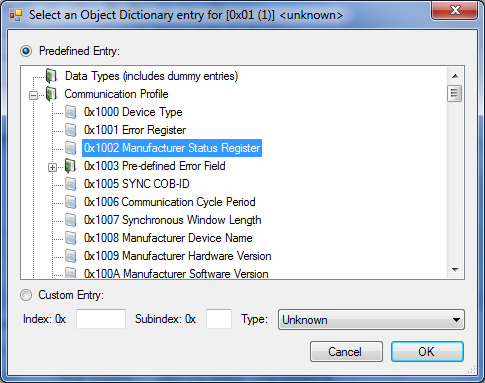
Entry selection from a configurable Object Dictionary list
-
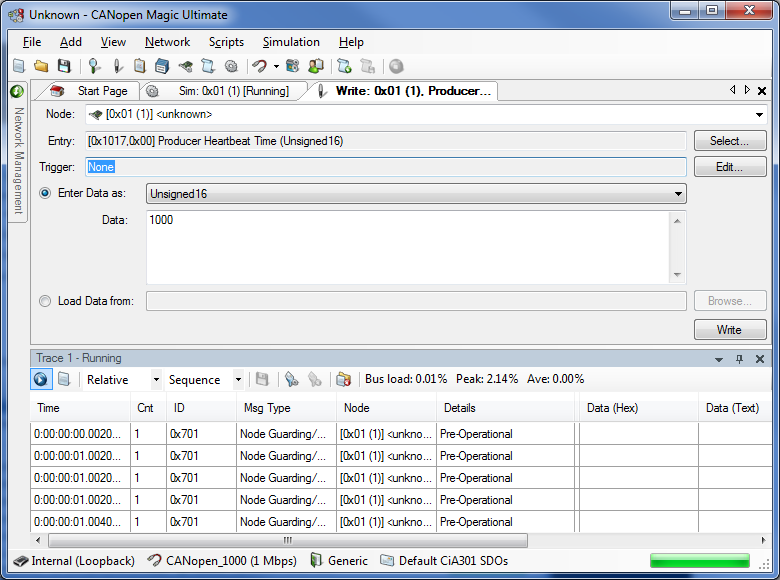
SDO Download (write to a node)
-
Enter data to write in ASCII
-
Enter data to write in decimal Integer, Unsigned integer and Real
-
Enter data to write in Hexadecimal
-
Enter data to write in TIME OF DAY and TIME DIFFERENCE formats
-
Data to write read from a file
-
Automatic selection of the most appropriate data type for the entry
-
Manual entry selection
-
Entry selection from a configurable Object Dictionary list
-
Network Management of all nodes or a single node
-
Network Scan for available nodes
-
Can connect to the same CAN network as other PEAK development tools at the same time
-
Automatically remembers window positions and settings, hardware and network configurations
-
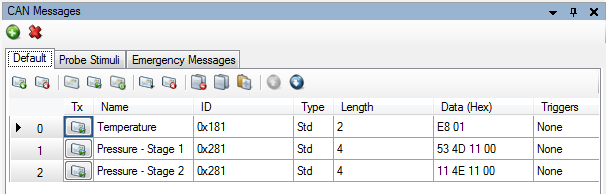
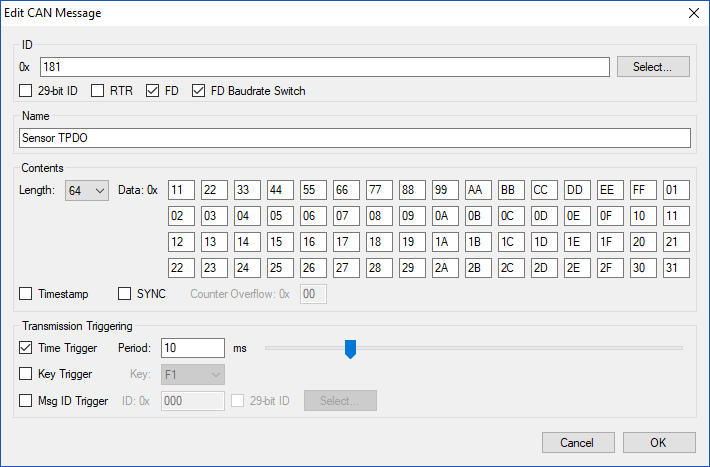
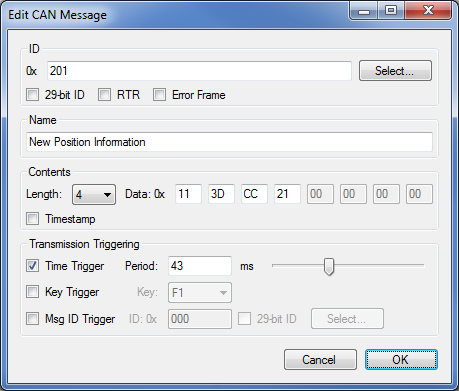
Transmission of configurable messages
-
Select default connection set IDs
-
Manually enter IDs
-
Select user defined message IDs
-
Transmit periodically with a customizable period
-
Transmit on a keypress
-
Transmit on reception of a specific message ID
-
Configurable message contents and length
-
Able to transmit Remote Transmission Request messages
-
Display overview of all messages configured
-
Give descriptive names to messages
-
Network Management toolbar buttons in every window
-
Network Description and Configuration
-
Specify names for nodes
-
Specify Electronic Datasheets for nodes
-
Specify names for messages
-
Save Node configurations in Device Configuration Files
-
Restore Node configurations from Device Configuration Files
-
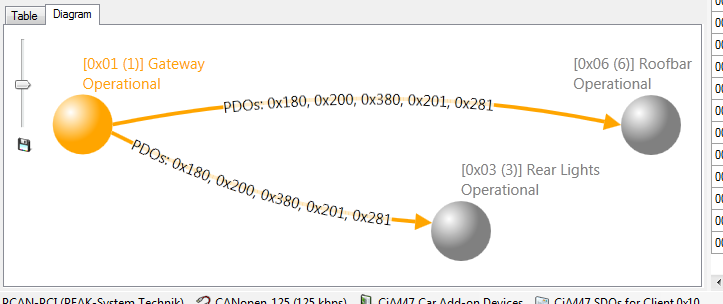
Network Overview Display
-
Automatically scans the network for nodes
-
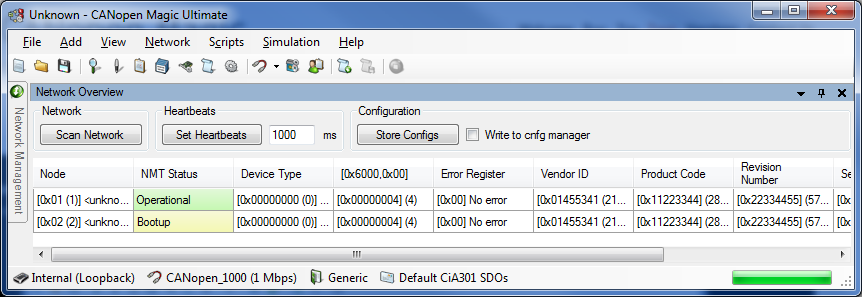
Provides quick overview of available nodes and basic information
-
Continually displays current node state and last error
-
Set heartbeats of all nodes at once
-
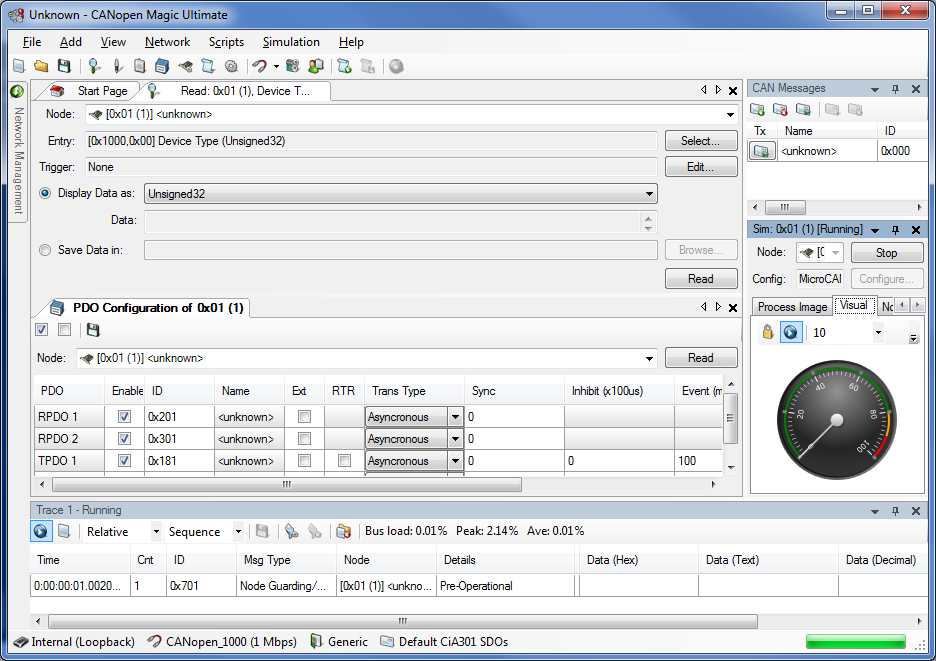
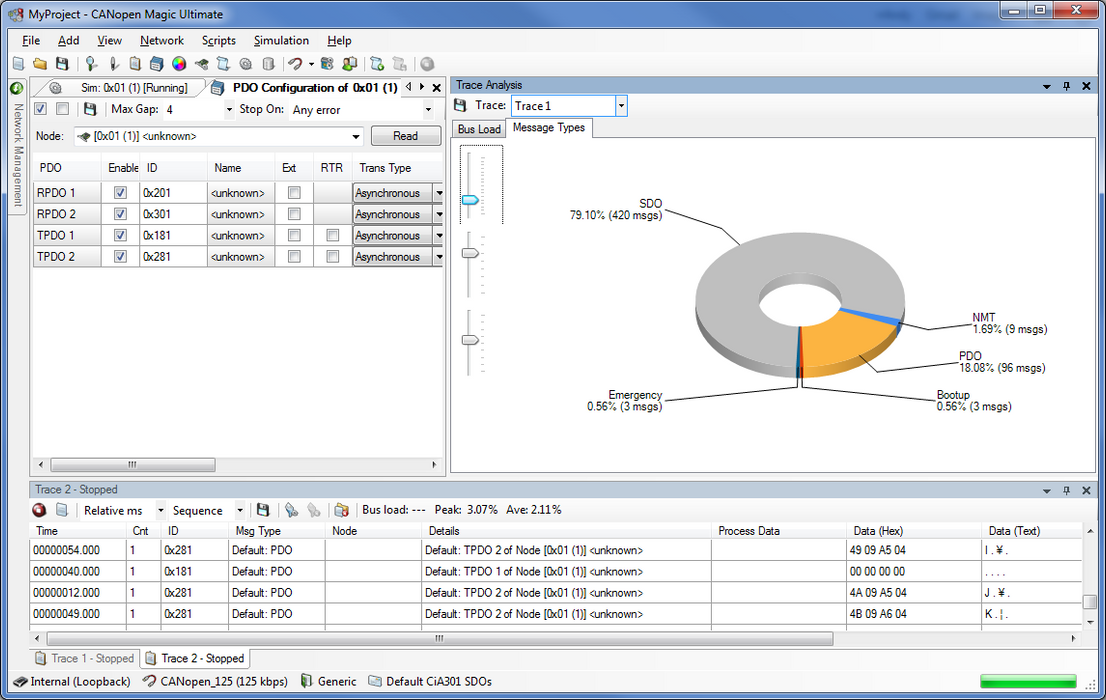
Quick PDO Configuration
-
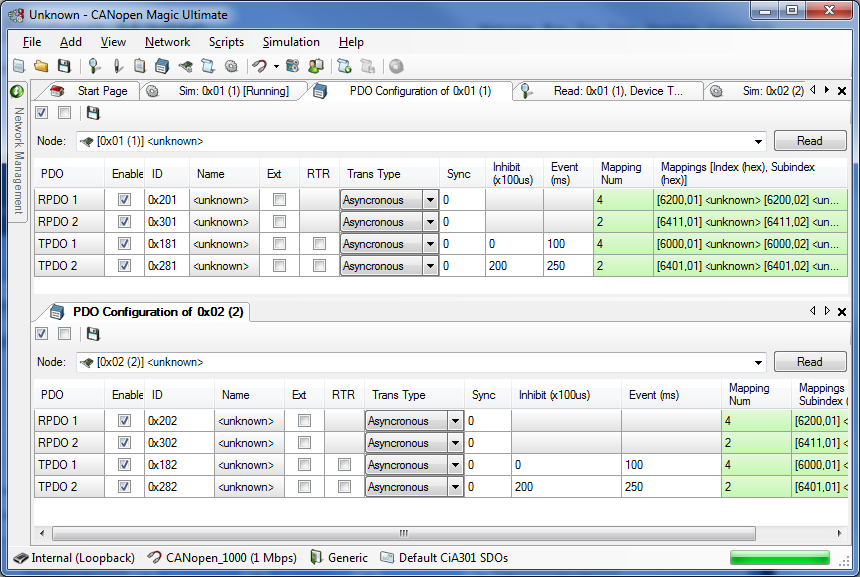
Automatically scans for PDOs defined on a node
-
Quick and easy configuration of PDO communication parameters
-
Quick and easy configuration of PDO mapping parameters
-
Select default connection set IDs for PDOs
-
Manually enter IDs for PDOs
-
Select user defined IDs for PDOs
-
One click enable and disable a PDO
-
One click enable and disable all PDOs defined on a node
-
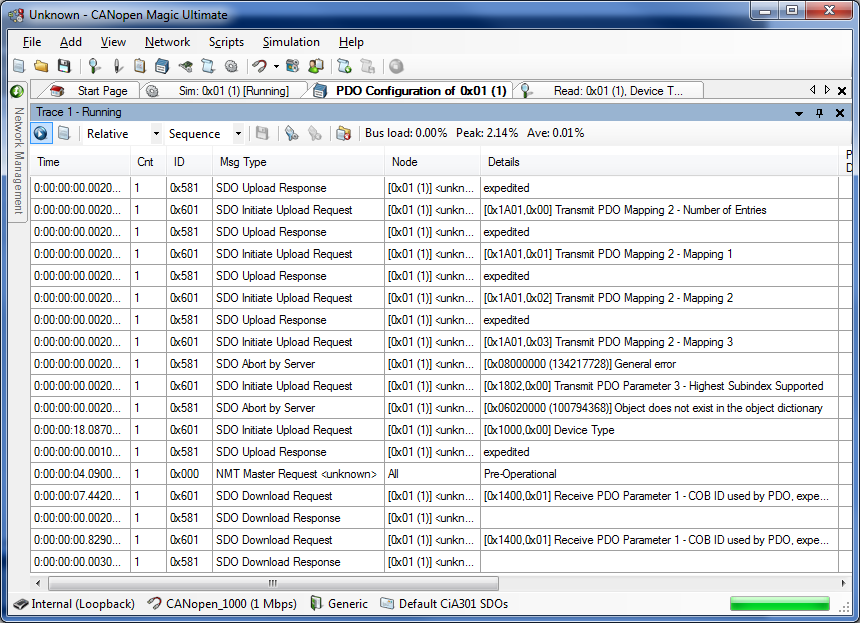
Configurable Trace Display
-
Stop and start for trace review
-
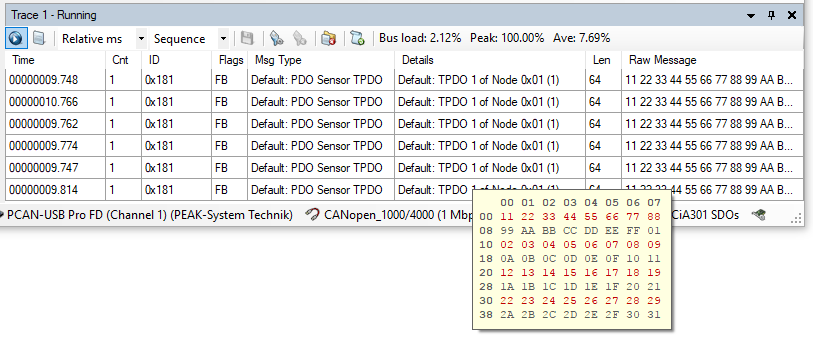
Stores 13000+ messages (0.5 seconds @ 1Mbps with 100% bus load)
-
CANopen interpretation of messages allowing easy viewing of network activity
-
User defined message names displayed
-
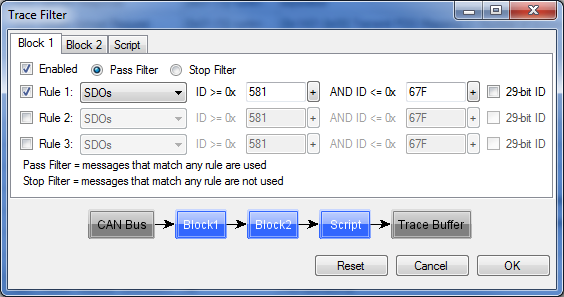
Filtering of messages displayed
-
Up to four trace windows at once with different settings and filtering for each one
-
Continuous mode showing each message on the bus
-
Static mode showing the last message for each ID on the bus
-
Absolute timestamps accurate to 1us
-
Relative timestamps accurate to 1us showing time between consecutive messages
-
Export trace in ascending CSV format for further analysis in Excel, etc.
-
Export trace in descending CSV format for further analysis in Excel, etc.
-
Display of message contents in hexadecimal
-
Display of message contents in decimal signed and unsigned
-
Display of message contents in ASCII
-
Display of raw message contents
-
Optional display of error frames
-
Filtering of trace display using ID ranges or scripting system
-
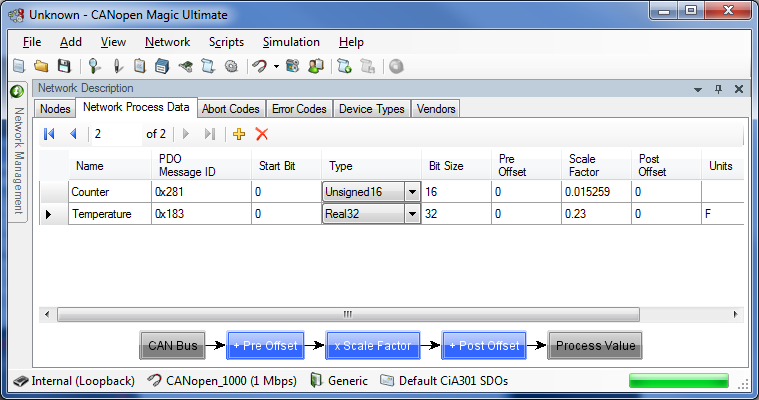
Configurable Process Data Display
-
Show any number of process data items
-
Updated on detection of PDOs on the network
-
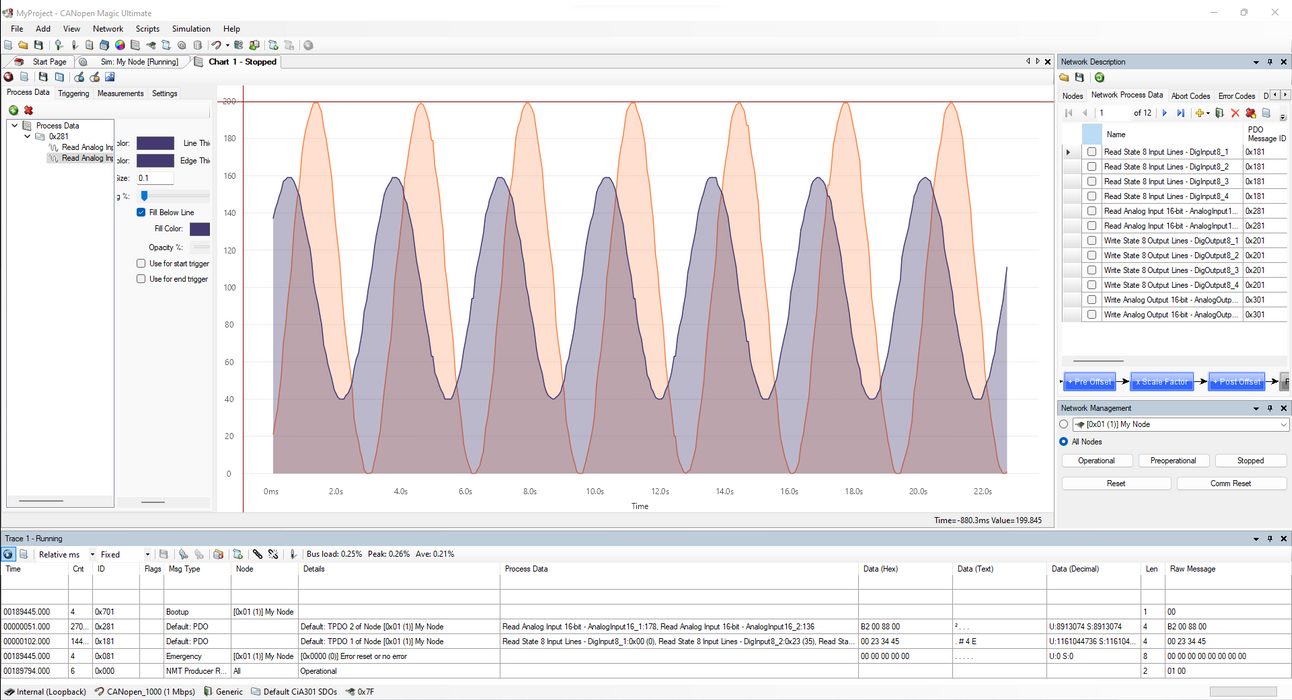
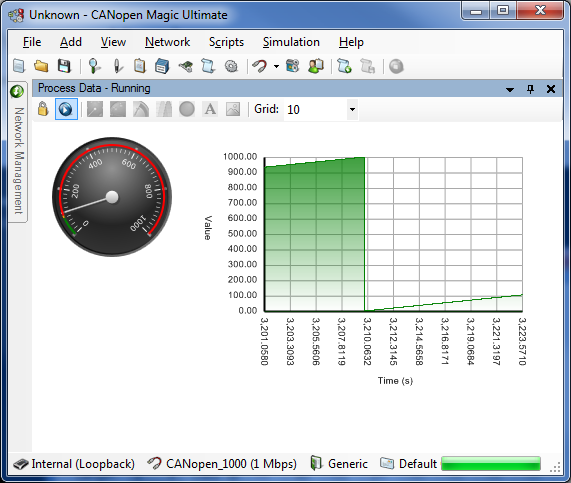
Configurable graphical displays of data in multiple formats
-
Add labels and graphics to create mock ups of product interfaces
-
Display graphs of analog data
-
Project Files
-
Save and load settings in project files
-
Start the application with a project on the command line
-
Configuration of Layer Setting Services Nodes
-
Automatic detection of single nodes
-
Configuration of node IDs
-
Configuration of bit timings
-
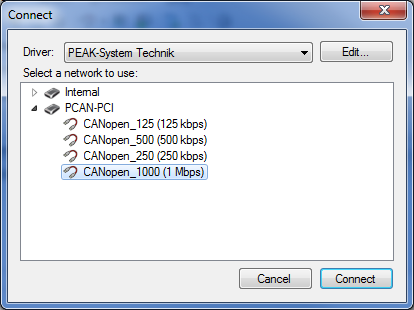
Works with all PEAK-System Technik CAN interfaces
-
Monitoring of the last emergency transmitted by the currently selected node
-
Command line interface for batch programming and end of production line testing
-
Can run at the same time, on the same CAN network as other compatible tools, including PCANExplorer and PCANView
-
Configurable SDO and LSS timeouts
-
Support for MicroLSS/LSS Fastscan
-
Support for CiA 447 Car Add-On Device Profile
-
Continuous log recording and playback with pause and single stepping options
-
Support for CiA 1301 - CANopen FD
-
USDO support
-
PDOs with up to 64-bytes of data
-
PEAK and Kvaser CAN-FD interfaces
-
Enhanced emergency messages
-
More Information, Screenshots and Comparison Tables
Visit the CANopen Magic product website for more information.
Pricing is per seat. Quantity discounts available.
Hardware
Customers inside of the US (except California), Canada and Mexico can purchase a USB CAN interface with CANopen Magic as part of a bundle. Choose the desired interface from the drop down list. All other customers can purchase from their local PEAK or Kvaser distributor.
Requirements
CANopen Magic Professional can run on Windows 7/8/8.1/10/11 with .NET Framework 4.0+ Any PEAK or Kvaser CAN interface is required. CANopen Magic Professional can work with any of the currently available interfaces. Internet connection is required for activation.
Evaluation
Request a trial version and experience the features of CANopen Magic.