
CANopen Magic Standard
Essential CANopen Configuration and Analysis
Get started easily with CANopen Magic Standard—a cost-effective and user-friendly tool designed for basic CANopen configuration and analysis. Compatible with all versions of Windows and supporting multiple affordable CAN interfaces, CANopen Magic Standard makes accessing and controlling nodes on a CANopen network straightforward.
Quickly read and write process data and configuration variables, configure single nodes or entire networks, and monitor and analyze messages on the CAN bus. CANopen Magic Standard simplifies network testing and basic development tasks, providing a reliable foundation for essential CANopen network interactions.
Ideal for smaller projects or those new to CANopen, CANopen Magic Standard offers core functionality at an accessible price point.
Users looking for a more comprehensive tool should check out our Professional edition.
Features
The following is a list of features in CANopen Magic Standard. The list is not exhaustive by any means, but does give a good overview of the abilities of CANopen Magic Standard.
-
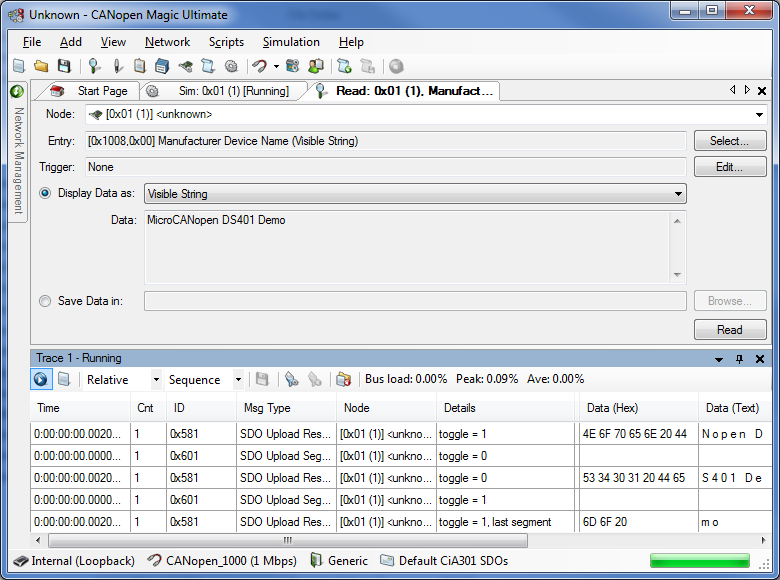
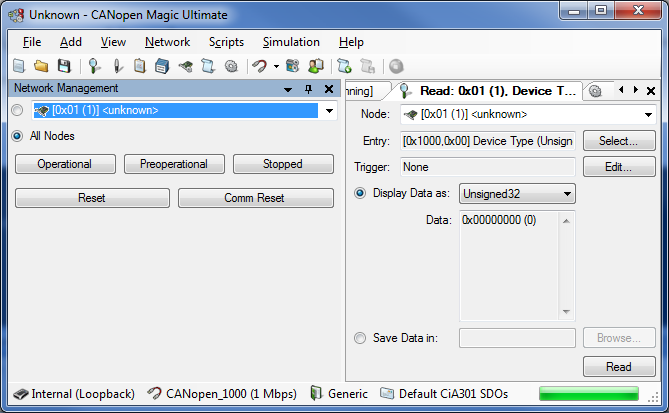
SDO Upload (read from a node)
-
Display of read data in ASCII
-
Display of read data in decimal Integer and Unsigned integer
-
Display of read data in Hexadecimal
-
Store read data in a file
-
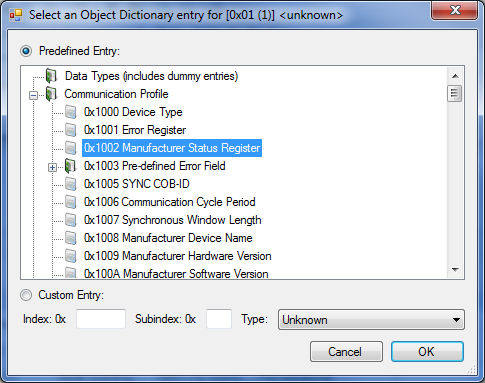
Manual entry selection
-
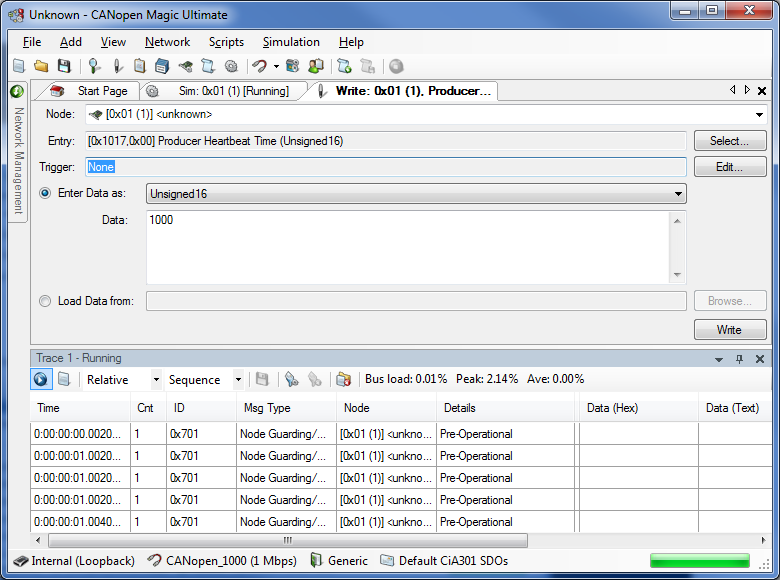
SDO Download (write to a node)
-
Enter data to write in ASCII
-
Enter data to write in decimal Integer and Unsigned integer
-
Enter data to write in Hexadecimal
-
Data to write read from a file
-
Manual entry selection
-
Network Management of all nodes or a single node
-
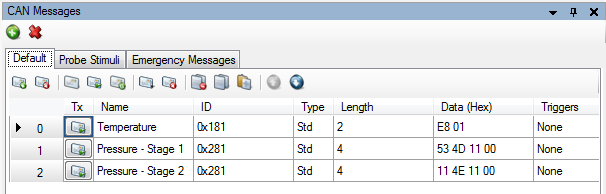
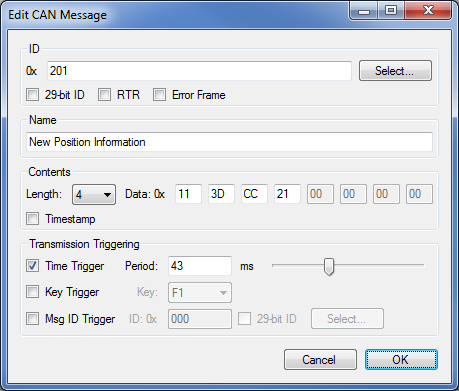
Transmission of up to 20 configurable messages
-
Manually enter IDs
-
Transmit on a keypress
-
Transmit on reception of a specific message ID
-
Configurable message contents and length
-
Display overview of all messages configured
-
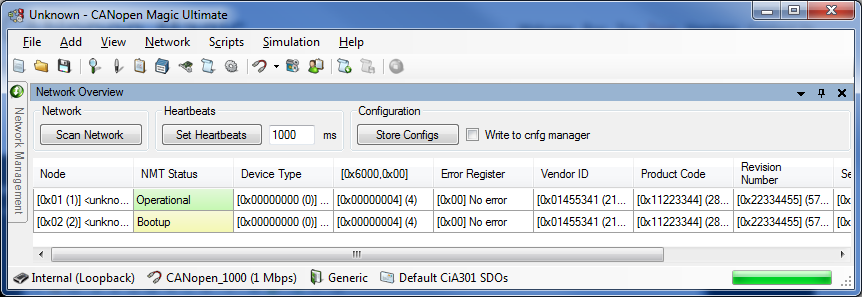
Network Overview Display
-
Automatically scans the network for nodes
-
Provides quick overview of available nodes and basic information
-
Continually displays current node state
-
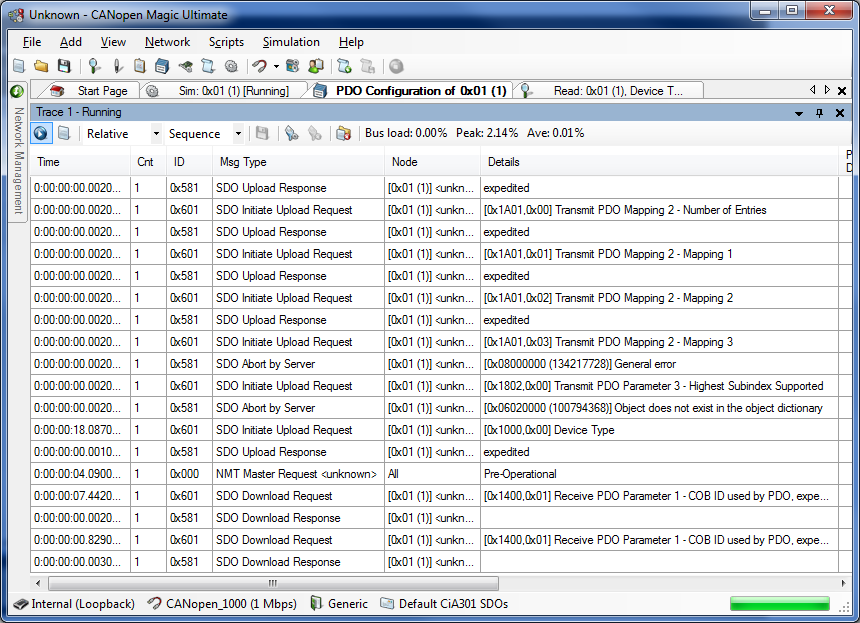
Configurable Trace Display
-
Stop and start for trace review
-
Stores 13000+ messages (0.5 seconds @ 1Mbps with 100% bus load)
-
CANopen interpretation of messages allowing easy viewing of network activity
-
Filtering of messages displayed
-
Continuous mode showing each message on the bus
-
Static mode showing the last message for each ID on the bus
-
Display of message contents in hexadecimal
-
Display of message contents in ASCII
-
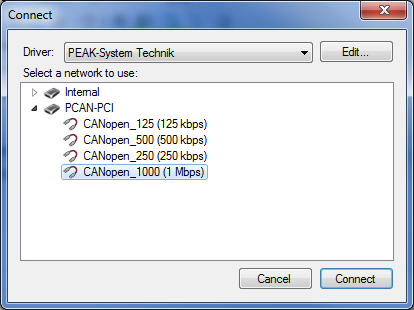
Works with all PEAK-System Technik CAN interfaces
-
Works with all Kvaser CAN interfaces
-
Monitoring of the last emergency transmitted by the currently selected node
-
Command line interface for batch programming and end of production line testing
-
Support for CiA 1301 - CANopen FD
-
USDO support
-
PDOs with up to 64-bytes of data
-
PEAK and Kvaser CAN-FD interfaces
-
Enhanced emergency messages
More Information, Screenshots and Comparison Tables
Visit the CANopen Magic product website for more information.
Pricing is per seat. Quantity discounts available.
Hardware
Customers inside of the US (except California), Canada and Mexico can purchase a USB CAN interface with CANopen Magic as part of a bundle. Choose the desired interface from the drop down list. All other customers can purchase from their local PEAK or Kvaser distributor.
Requirements
CANopen Magic Standard can run on Windows 7/8/8.1/10/11 with .NET Framework 4.0+ Any PEAK or Kvaser CAN interface is required. CANopen Magic Standard can work with any of the currently available interfaces. Internet connection required for activation.
Evaluation
Request a trial version and experience the features of CANopen Magic.